In Stock

BMW Apple CarPlay (EntryNav2 / EntryEvo) Full Screen

449 zł

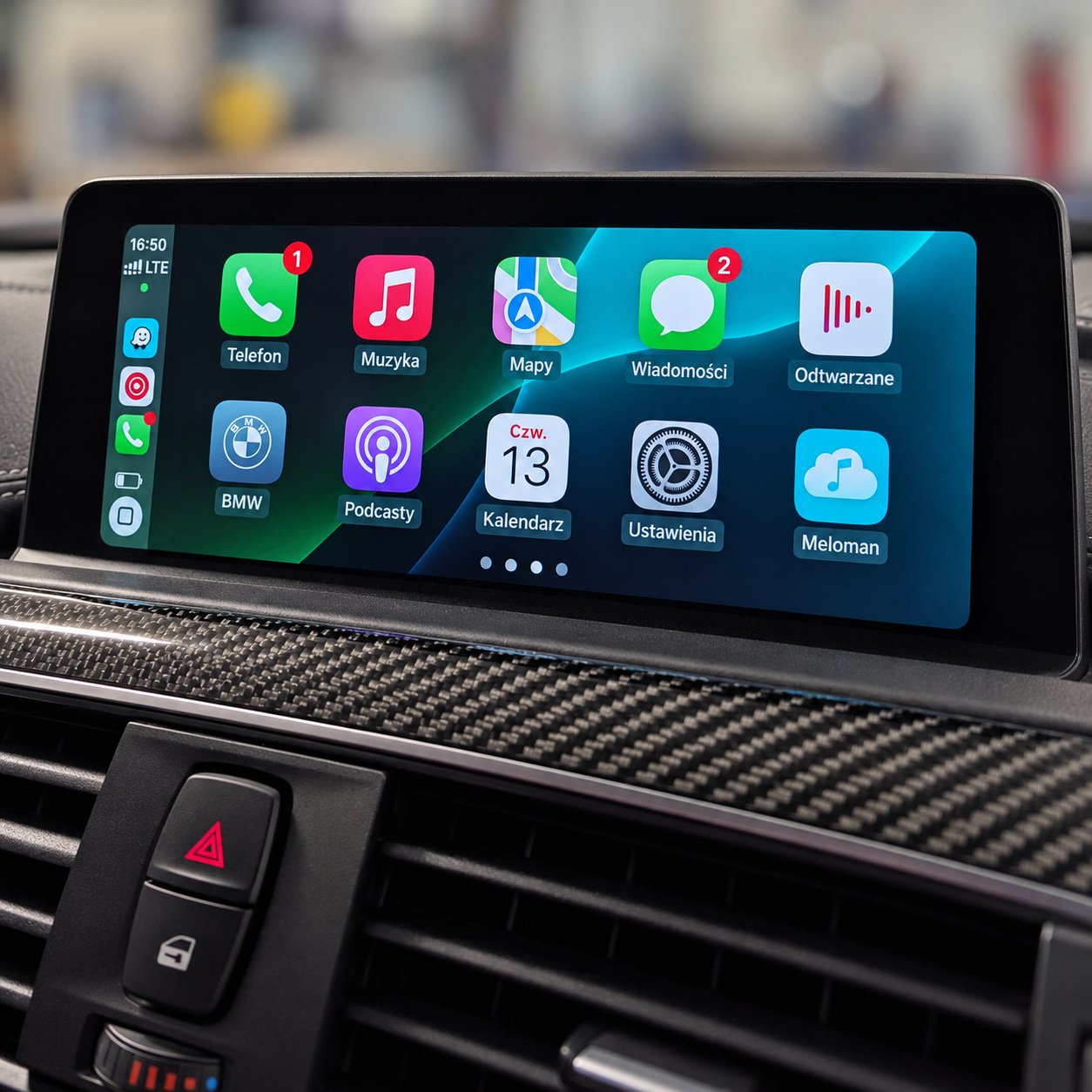
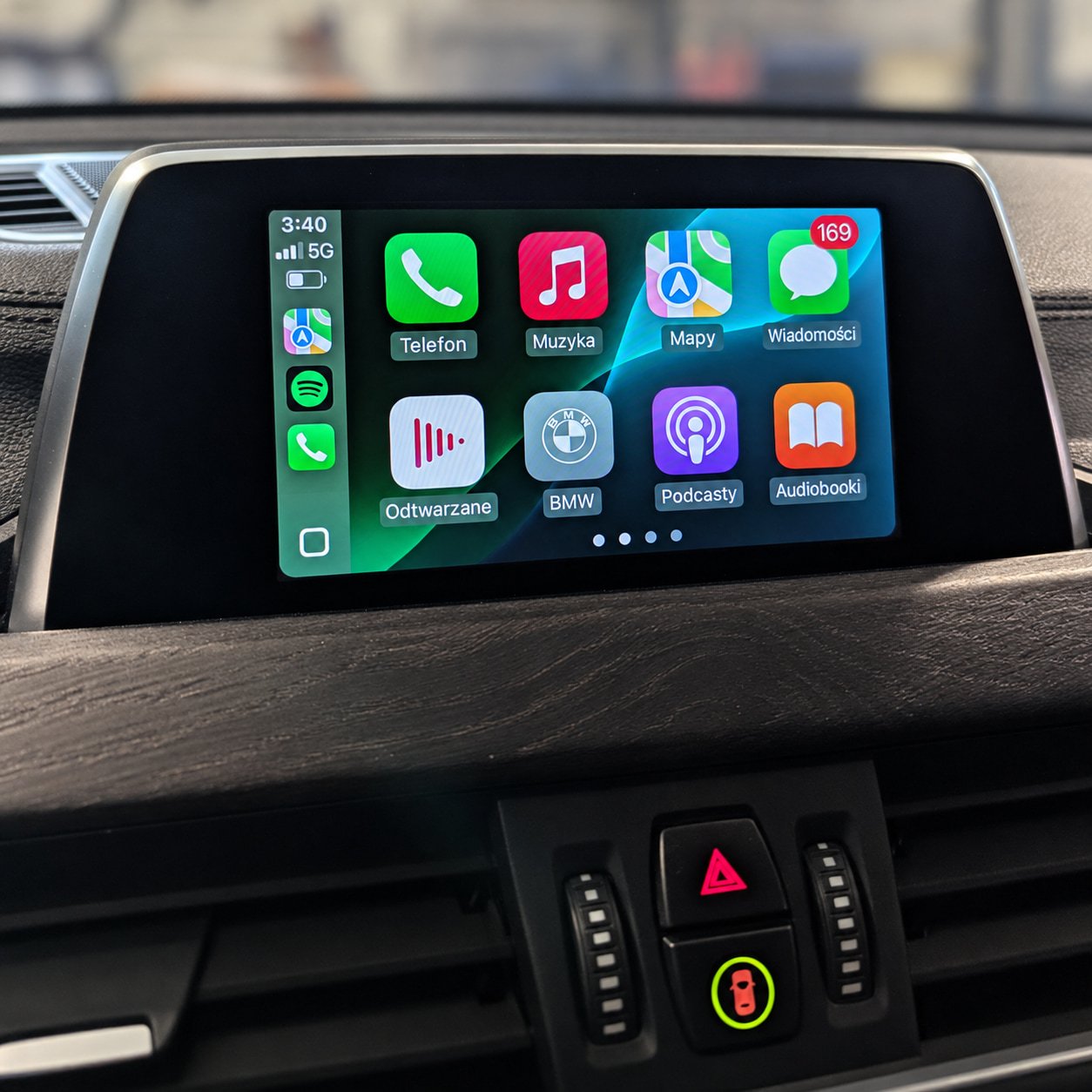
Apple CarPlay activation for BMW and MINI vehicles with EntryNav2 / EntryEvo. Full-screen mode is enabled if the installed software version supports it. The work is carried out remotely over Ethernet using an ENET cable.

  • Apple CarPlay on the factory display.
  • Full-screen mode with compatible software.
  • Compatibility checked before payment.
  • Compatibility checked before payment
  • Payment link after approval
  • Remote session by arrangement

Send us your vehicle’s VIN and your email address. We will check whether the service can be carried out. If necessary, we will verify the presence of a WLAN connector and check the head unit’s software version.

Once compatibility has been confirmed, you will receive a personalised payment link. The order page will show the VIN, the selected service and the price.

After payment, we will arrange a time for the remote session and explain how to prepare your car and computer. If Apple CarPlay cannot be activated on the installed head unit, we will explain why.

Support for your completed order is available during business hours. The scope of assistance and the terms for additional work are defined by your order and the Terms and Conditions.

  • Apple CarPlay activation.
  • Enabling full-screen mode with compatible software.
  • Creating a backup.
  • A compatibility check before payment and a remote session via ENET.

BMW and MINI vehicles with a compatible EntryNav2 / EntryEvo head unit equipped with a WLAN connector.

Versions with factory WAY navigation and versions without navigation. We check whether activation is possible before payment.

  • An ENET cable.
  • A computer with an Ethernet connection.
  • A stable internet connection near the car.
  • A WLAN connector on the head unit and a Wi-Fi antenna for wireless CarPlay. We check that both are present before payment; if there is no antenna, one must be physically installed.
  • Prepare the connection and the car’s power supply according to our instructions before the session.

How can I check the software version?

We will use the VIN to check the software information recorded on BMW’s server. If the car has been updated outside an authorised service centre, these records may differ from the software version actually installed.

If necessary, we will check the current version via an ENET diagnostic connection. The release year of the WAY navigation maps does not indicate the head unit’s software version. If the head unit has been replaced, please tell us before payment.

Which software versions support full-screen CarPlay?

Full-screen mode is available on compatible EntryNav2 / EntryEvo head units with software that supports it. Software from the 07/2020 generation or later is our general reference point; we check full-screen support for the specific head unit.

If the installed version does not support full-screen mode, a software update is required and must be booked as a separate service. We will let you know before payment if an update is needed.

When do I pay for the service?

After the compatibility check. We will send you a personalised payment link and then arrange a time for the remote session.

What if my head unit does not support Apple CarPlay?

If our check shows that Apple CarPlay cannot be activated on your head unit, we will explain why. You do not need to pay for this service in that case.

How can I tell whether my car has EntryNav2 / EntryEvo?

If your car has factory navigation, open “Navigation”, press the OPTION button next to the iDrive controller and select “Settings” → “Position and version” → “Version information”. The WAY map designation indicates EntryNav2 / EntryEvo. For cars without navigation, we identify the head unit type using the VIN.

EntryNav2 is also known as EntryEvo, EntryNav Evo or ENAVEVO. The earlier EntryNav belongs to a different family; this service does not apply to it.

Do I need a Wi-Fi antenna?

Yes. Wireless CarPlay requires a compatible head unit with a WLAN connector and a connected Wi-Fi antenna. We check that the connector and antenna are present before payment.

If there is no antenna, one must be physically installed; this is not included in the activation price. If the head unit has no WLAN connector, software activation alone is not enough.