In Stock

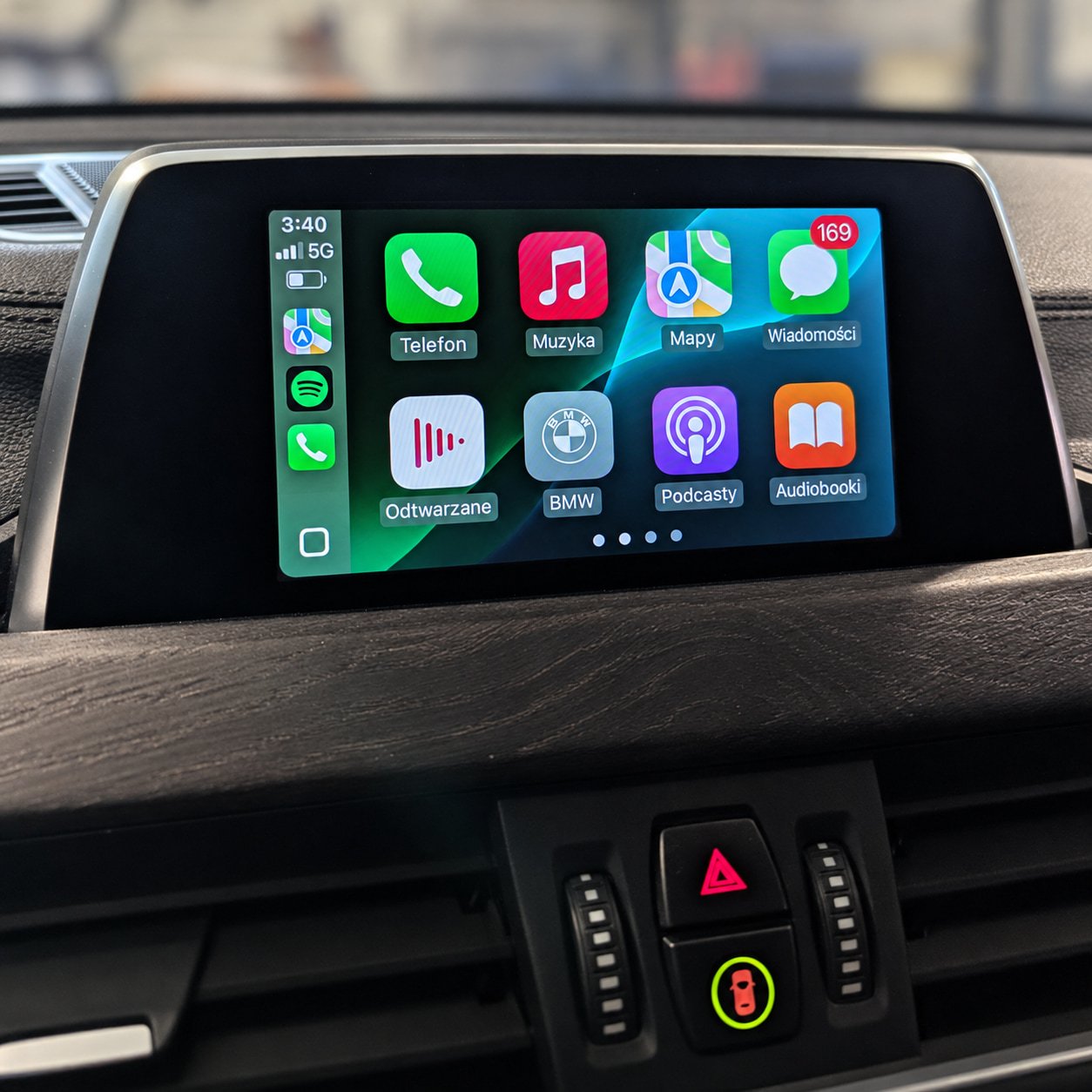
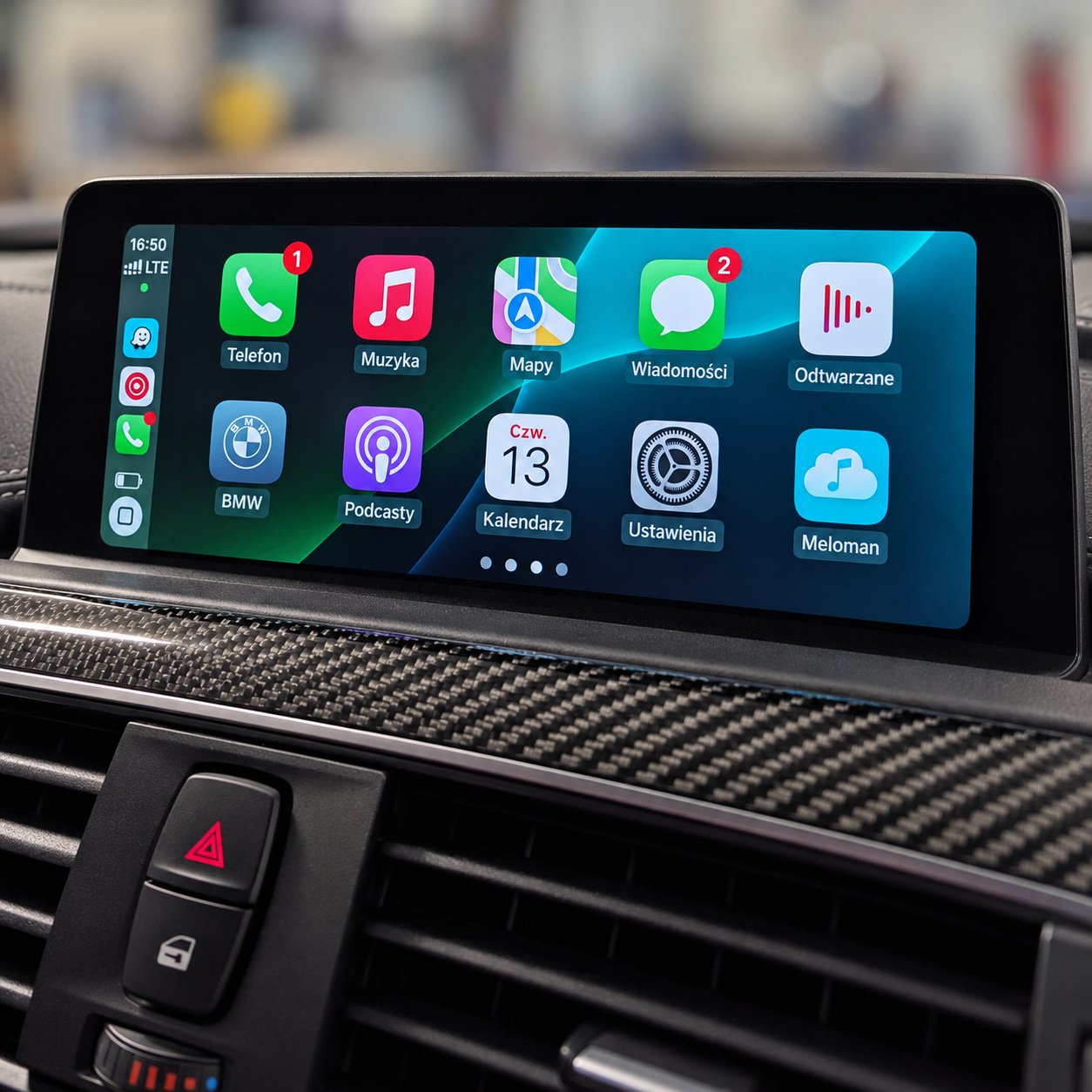
BMW Apple CarPlay (NBT Evo ID5/ID6) Full Screen + Video in Motion

449 zł

Apple CarPlay and Video in Motion activation for BMW and MINI vehicles with NBT Evo ID5/ID6. Full-screen mode is enabled if the installed software version supports it. The work is carried out remotely over Ethernet using an ENET cable.

  • Apple CarPlay on the factory display.
  • Full-screen mode with compatible software.
  • Video in Motion activation.
  • Compatibility checked before payment
  • Payment link after approval
  • Remote session by arrangement

Send us your vehicle’s VIN and your email address. We will check whether the service can be carried out. If necessary, we will ask for a photo of the screen showing the head unit’s software version.

Once compatibility has been confirmed, you will receive a personal payment link. The order page will show your VIN, the selected service and the price.

After payment, we will arrange a time for the remote session and explain how to prepare your vehicle and computer. If Apple CarPlay cannot be activated on the installed head unit, we will explain why.

Support for your completed order is available during business hours. The scope of assistance and the terms for additional work are defined by your order and the Terms and Conditions.

  • Apple CarPlay activation.
  • Enabling full-screen mode with compatible software.
  • Video in Motion activation for video sources supported by the factory head unit.
  • Backup.
  • Compatibility check before payment and remote work via ENET.

BMW and MINI vehicles with an NBT Evo ID5/ID6 head unit.

  • ENET cable.
  • Computer with an Ethernet connection.
  • Stable internet connection near the vehicle.
  • Wi-Fi antenna for wireless CarPlay. We check whether one is fitted before payment; if it is missing, it will need to be physically installed.
  • Prepare the vehicle’s connection and power supply according to our instructions before the session.

How can I check the software version?

Using your VIN, we will check the software information held on BMW’s server. If the vehicle has been updated outside an authorised service centre, these records may differ from the version actually installed.

We therefore recommend checking the version directly in the iDrive menu. If the vehicle has factory navigation, open “Navigation”, press the OPTION button next to the iDrive controller and select “Settings” → “Position and version” → “Version information”. Find the line beginning with NBTevo_… and send us a photo of this screen.

Which software versions support full-screen CarPlay?

Compatible NBT Evo ID5/ID6 head units with software versions NBTevo_N, NBTevo_O, NBTevo_P, NBTevo_Q, NBTevo_R, NBTevo_S, NBTevo_T, NBTevo_U, NBTevo_V, NBTevo_W, NBTevo_X and NBTevo_Y.

CarPlay can be activated on versions NBTevo_H, NBTevo_I, NBTevo_J, NBTevo_K, NBTevo_L and NBTevo_M, but it will only occupy part of the screen. Full-screen mode requires a software update, which is a separate service that must be ordered separately. We will let you know before payment if an update is needed.

When do I pay for the service?

After the compatibility check. We will send you a personal payment link, then arrange a time for the remote session.

What if the head unit does not support Apple CarPlay?

If the check shows that Apple CarPlay cannot be activated on your head unit, we will explain why. No payment for this service is required in that case.