Apple CarPlay and Android Auto
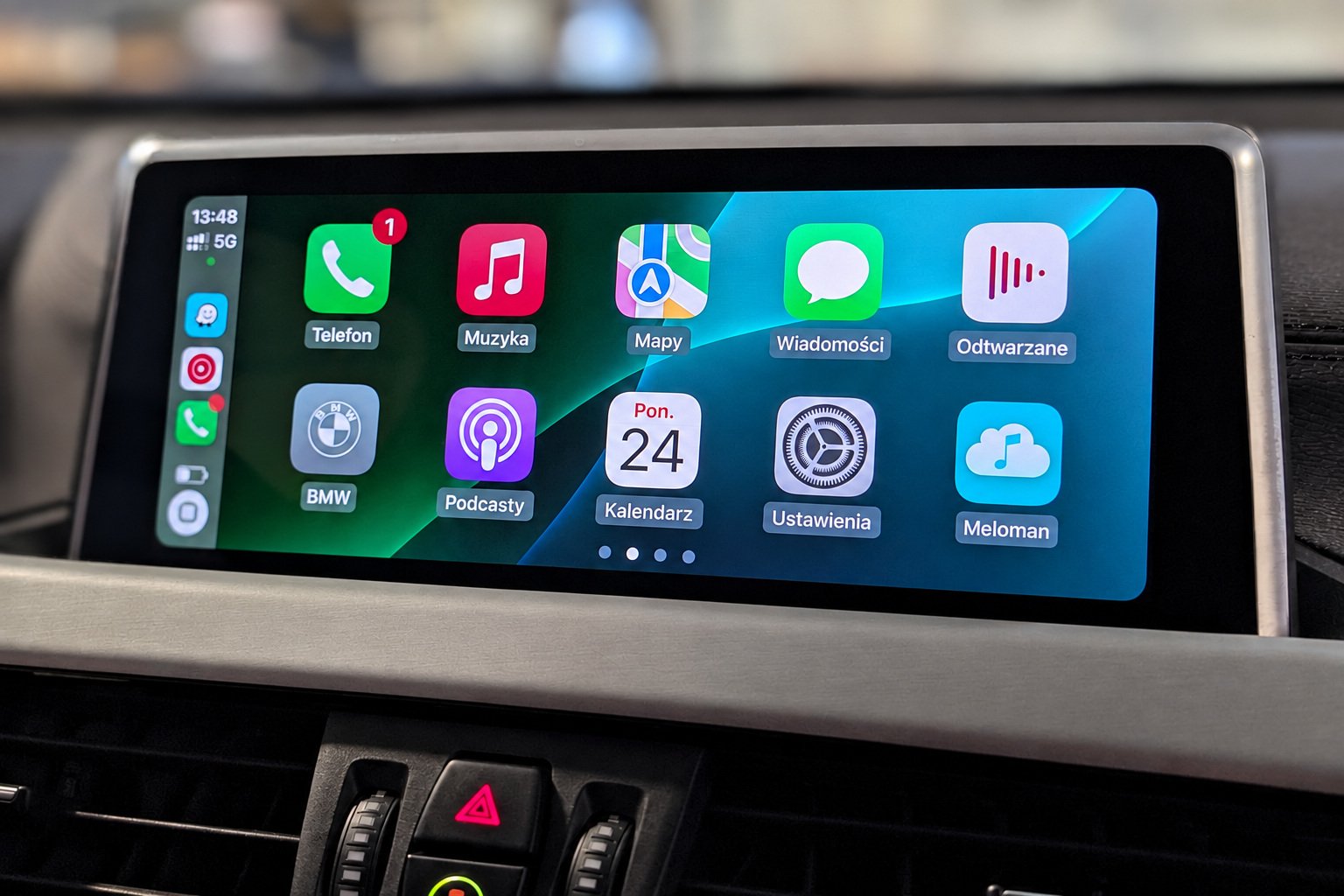
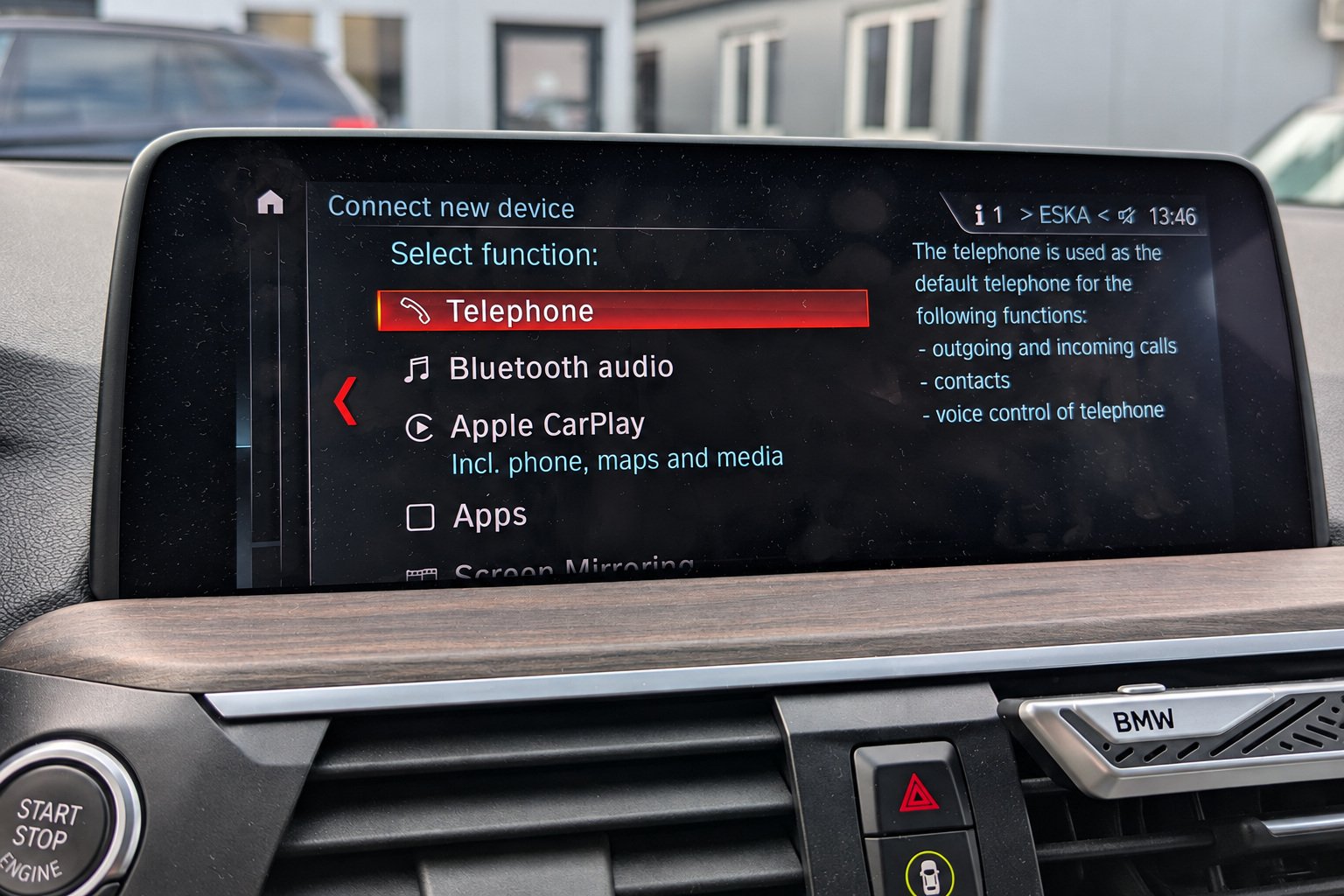
Apple CarPlay and Android Auto let you use navigation, music and other smartphone apps on your BMW’s screen. Apple CarPlay is designed for iPhone, while Android Auto works with compatible Android smartphones. To use wireless Android Auto, your phone must support this connection mode and 5 GHz Wi-Fi.
However, a large display or factory navigation does not necessarily mean that the car supports these features. Compatibility depends on the head unit, its software and the hardware for wireless connectivity. This article covers factory-installed BMW infotainment systems.
NBT Evo: the differences between ID4, ID5 and ID6
NBT Evo with the ID5 or ID6 interface supports Apple CarPlay. If the feature has not yet been activated, the software version and the presence of a Wi-Fi antenna need to be checked. Standard NBT and earlier systems do not support native CarPlay.
A touchscreen is not required for CarPlay: in compatible BMWs, you can control it using the iDrive controller and Siri voice commands.
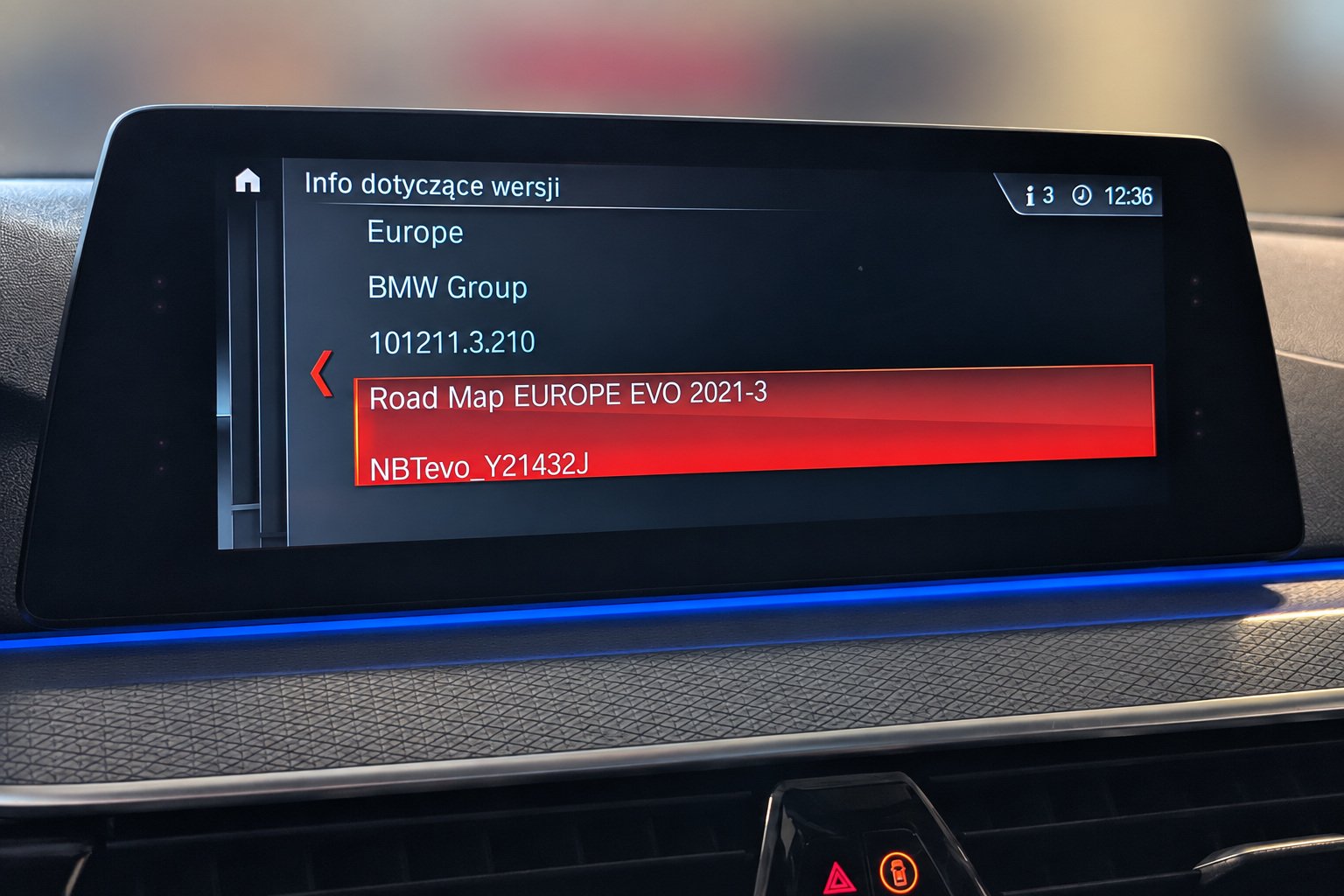
The NBT Evo ID4 menu looks almost identical to the standard NBT menu. If the car has factory navigation, the map designation helps distinguish between the two: NEXT indicates standard NBT, while EVO indicates NBT Evo, including ID4. For cars without navigation, we identify the head unit using the VIN.
NBT Evo ID4 does not support CarPlay with its original software. These head units can be reflashed with ID5/ID6 software, after which CarPlay can be activated.
With very rare exceptions, ID4 units have 2 GB of RAM, whereas later NBT Evo ID5/ID6 units have 4 GB. Reflashing does not increase the amount of memory.
On ID4 head units reflashed with ID5/ID6 software, occasional delays may occur when using BMW’s factory navigation. Google Maps or Waze can be used for navigation through CarPlay. Before updating, we assess the condition of the unit and select an appropriate software solution.
When can CarPlay run in full-screen mode?
Activating CarPlay and enabling full-screen mode are separate tasks. On compatible NBT Evo ID5/ID6 units running NBTevo_H, NBTevo_I, NBTevo_J, NBTevo_K, NBTevo_L or NBTevo_M, CarPlay can be activated, but it will only occupy part of the screen.
Full-screen CarPlay can be enabled on NBTevo_N, NBTevo_O, NBTevo_P, NBTevo_Q, NBTevo_R, NBTevo_S, NBTevo_T, NBTevo_U, NBTevo_V, NBTevo_W, NBTevo_X and NBTevo_Y. Earlier versions require a software update before full-screen mode can be enabled.
The letter after NBTevo_ indicates whether the installed version supports full-screen mode or requires an update first.
To check the version, open “Navigation”, press the physical OPTION button next to the iDrive controller and select “Settings” → “Position and version” → “Version information”. Look for the NBTevo_… line, which shows the head unit’s software version. The map release year is not a substitute for this information.
Why a Wi-Fi antenna is needed
In the factory BMW systems covered here, CarPlay works wirelessly: Bluetooth is used for initial pairing, while CarPlay data is transmitted over Wi-Fi. Having Bluetooth alone therefore does not mean that the car is ready for CarPlay.
Some cars with NBT Evo ID5/ID6 already have a Wi-Fi antenna, depending on their equipment. Others need one to be installed. When checking these systems, we verify the software version to determine whether full-screen mode is possible, and check whether a Wi-Fi antenna is fitted.
Wi-Fi connects the smartphone to the head unit. Online maps, traffic information and music streaming use the phone’s internet connection; no separate data plan for the car’s Wi-Fi hotspot is required.
EntryNav2 / Entry Evo: why not every unit is compatible
EntryNav2, also known as Entry Evo, EntryNav Evo or ENAVEVO, is a different family of head units. It should not be confused with the earlier EntryNav. A menu that resembles ID6 does not necessarily mean that the car has NBT Evo either.
If the car has factory navigation, the map designation can help identify the head unit family: EVO indicates NBT Evo, while WAY indicates EntryNav2 / EntryNav Evo. For cars without navigation, we identify the head unit using the VIN.
Factory EntryNav2 units for the US market have a WLAN connector for a Wi-Fi antenna. European versions need to be checked using the VIN to identify the head unit’s hardware version and determine whether the required connector is present. If it is missing, software activation alone is not enough to enable CarPlay. Whether a Wi-Fi antenna is connected must be checked separately.
Full-screen CarPlay on compatible EntryNav2 units also depends on the software. For available solutions, the reference point is software release 07/2020 or later. This is the software version date, not the car’s production year or the release year of the WAY maps. Support for the feature and the need for an update are checked for the specific unit.
Android Auto and Screen Mirroring on NBT Evo and EntryNav2
NBT Evo and the EntryNav2 / Entry Evo / EntryNav Evo family do not support native Android Auto. Activating CarPlay or updating the software on these units does not add Android Auto support.
On NBT Evo ID5/ID6 units with a Wi-Fi antenna, Screen Mirroring can be activated to wirelessly mirror a compatible Android smartphone’s screen on the car’s display. The phone must support Miracast. This feature mirrors the phone’s screen without Android Auto’s interface designed for in-car use, so it is not a full replacement for Android Auto. EntryNav2 / Entry Evo does not offer native Screen Mirroring.
Apple CarPlay and Android Auto in iDrive 7 and newer systems
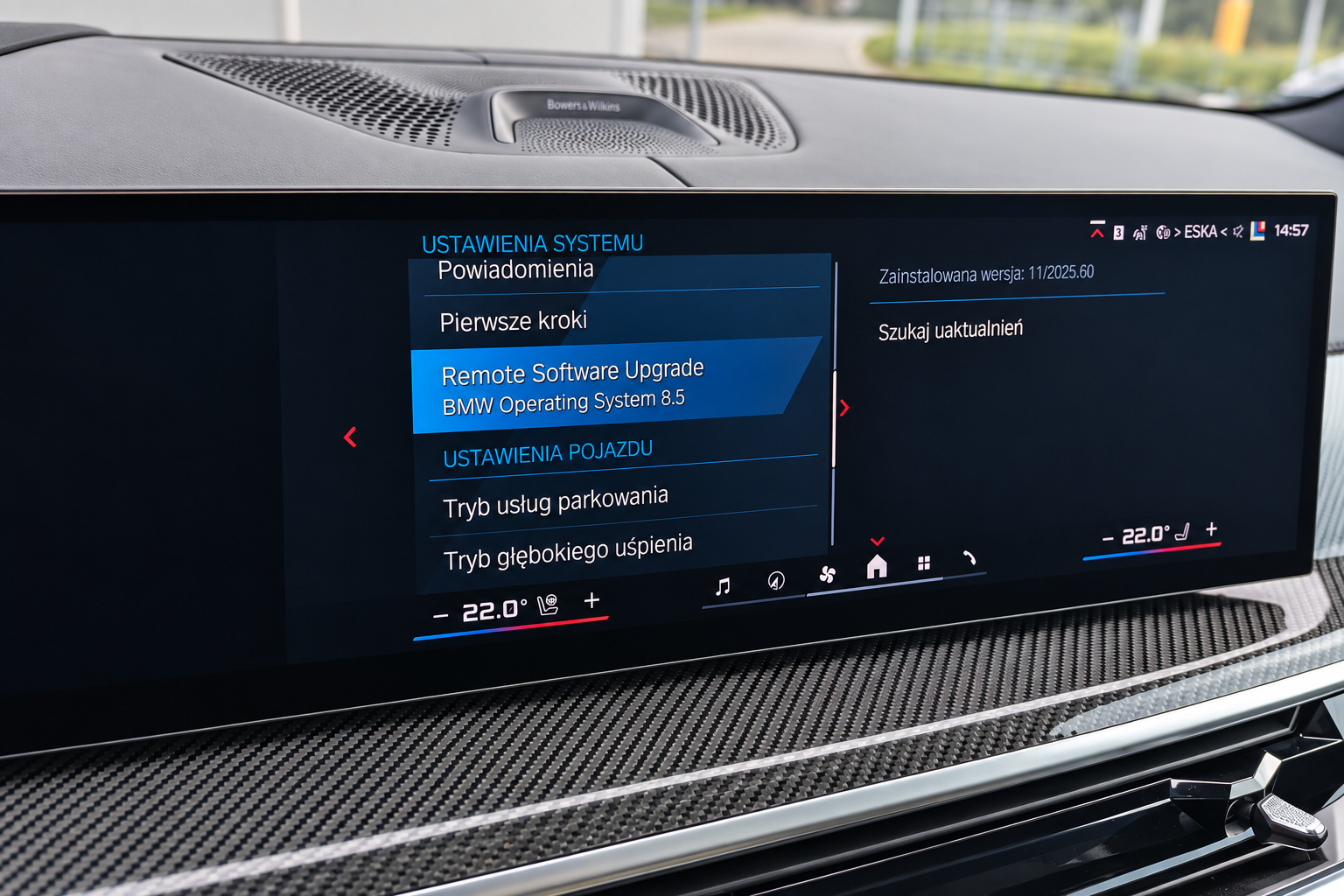
BMW iDrive 7, 8 and 8.5 support both Apple CarPlay and Android Auto. Both allow you to use compatible smartphone apps through a wireless connection.
Android Auto support was introduced in iDrive 7 with software version 07/2020. If an earlier version is installed, an update is required before Android Auto can be activated. This refers to the software version, not the car’s production date.
Apple CarPlay and Android Auto are also supported in the newer BMW Operating System 9 and BMW Operating System X.
How to check your BMW
For an initial check, simply send us your VIN and let us know whether you want to activate Apple CarPlay, activate Android Auto or enable full-screen mode for CarPlay that is already active. The VIN allows us to check the factory equipment, the head unit’s hardware version and the software level recorded in BMW’s system.
If the car was updated outside the authorised service network and the update was not recorded on BMW’s server, those records may differ from the software actually installed. In that case, a photo of the version information screen can help identify the installed NBT Evo software. The car’s current software integration level can also be read by connecting diagnostic equipment to the vehicle.
Contact BavELab with these details. The check will help determine whether Apple CarPlay or Android Auto can be activated, whether your software version supports full-screen CarPlay and whether a Wi-Fi antenna needs to be installed.